LOCAL BY DESIGN. DELIBERATE BY DEFAULT.
Your images.
Still in your hands.
Privacy is part of the workflow: where processing happens, which files change and what information travels with an export.
No image upload
to get the job done.
Compression, conversion, resizing and metadata processing happen on your Mac. No account is required. Your source images and generated outputs are not automatically uploaded.
App Store purchases and optional feedback use network services. Feedback includes only the message, context and attachments you choose to send.
Copies first.
Originals intact.
The built-in presets export to a destination folder. That lets you review a delivery set before publishing it, without replacing the source files.
For important work, keep an independent backup of your originals and check the exported results.
CHOOSE WHAT TRAVELS WITH A PHOTO
The picture is one thing.
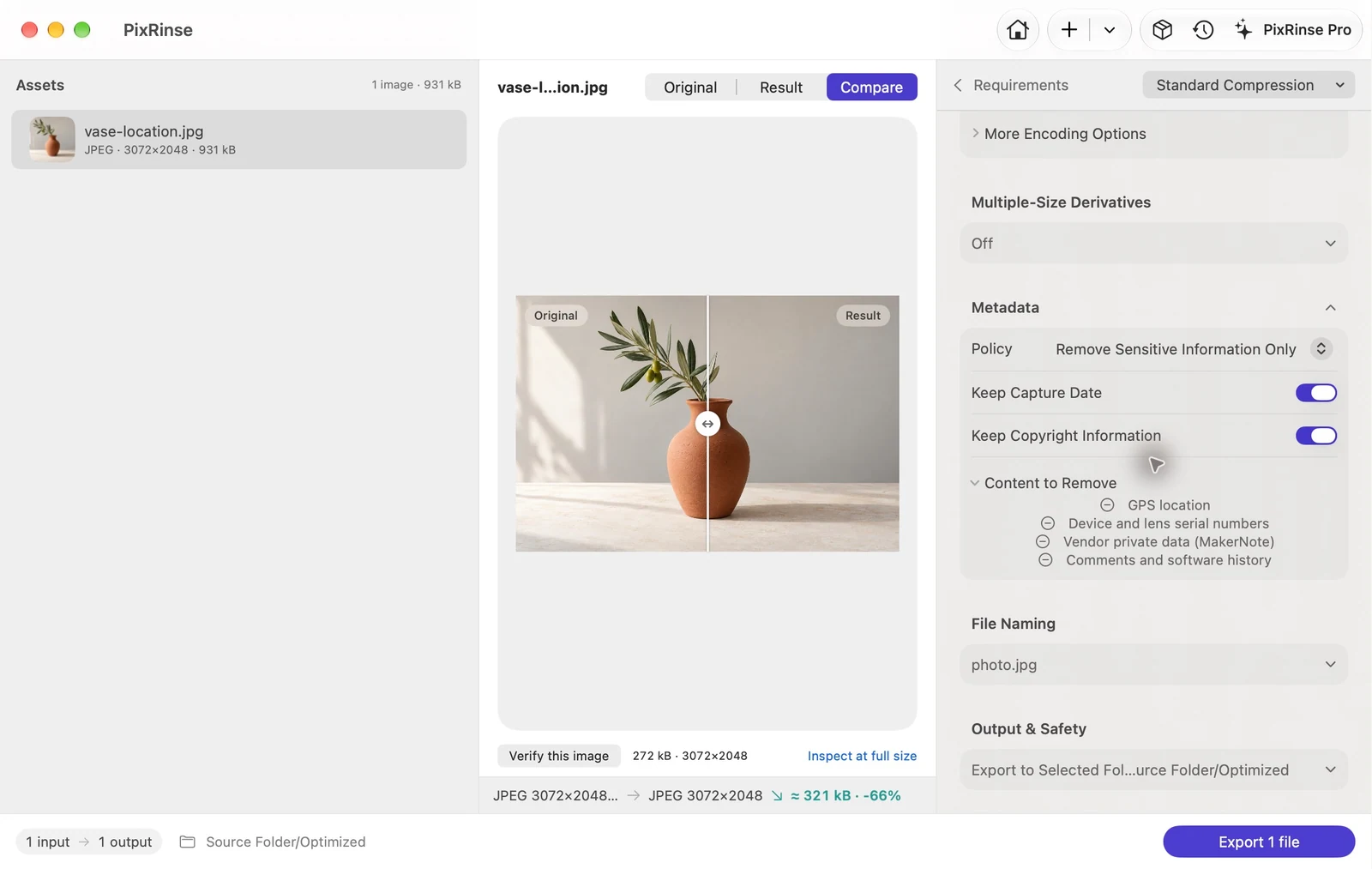
The metadata is another.
Remove sensitive information such as GPS location and device serial numbers, or choose a preservation policy for an archive. Capture dates and copyright have their own controls.
WHEN YOU CHOOSE TO REPLACE ORIGINALS
Make the change
with a way back.
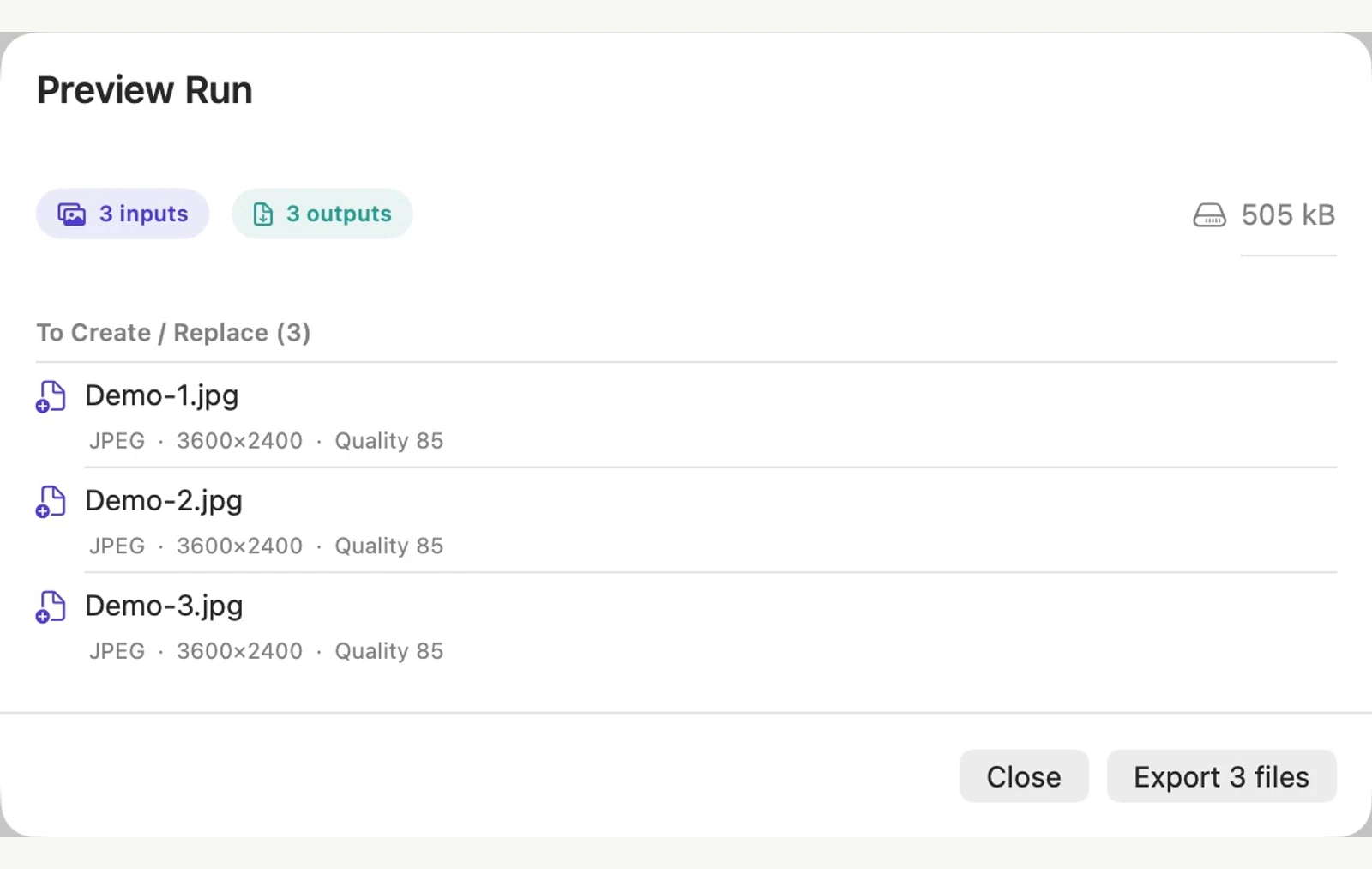
Review the plan before replacement. PixRinse provides backup and validation controls, plus history-based rollback when the needed backups remain available.
Preview the run
Check the output plan, destination and reported issues before processing.
Review backup settings
Choose the replacement and backup policy deliberately. Keep enough storage for the job.
Inspect, then retain
Review completed outputs. Rollback depends on retained backups and cannot replace an independent backup system.
CLEAR BOUNDARIES
Useful safeguards. Honest limits.
Metadata cleanup does not remove information visible in the image. A target size cannot guarantee acceptance by an external platform. Backup retention is finite, and deleted or unavailable backups can prevent rollback.
PixRinse uses macOS file access controls. Only grant access to files and folders you intend to process, and review your chosen output location.
Read the privacy policy for details about local data, optional feedback and website requests.

A lighter way to finish
Your next batch,
already less work.
Start with a few images. Find your everyday workflow.
Download for MacmacOS 14 or later · Free to start · No account required